
Much more than a board.
Atlas is the modular board game console.
- One board, many games
- Connect it to your phone with Atlas HUB
- Pick a game and the board transforms!
Build your table
Each module is a complete board.
- Bring another one close and it connects on its own
- Completely wireless: nothing to plug in
- Add up to 6 and your world grows with you
Atlas Core
With Atlas Core and the smart bases, Atlas recognizes every piece.
- Every base has a unique ID
- Each game decides what it is: a knight, a bishop or a building?
- Attach it to the edge of the board and you're set!
Your pieces, our base
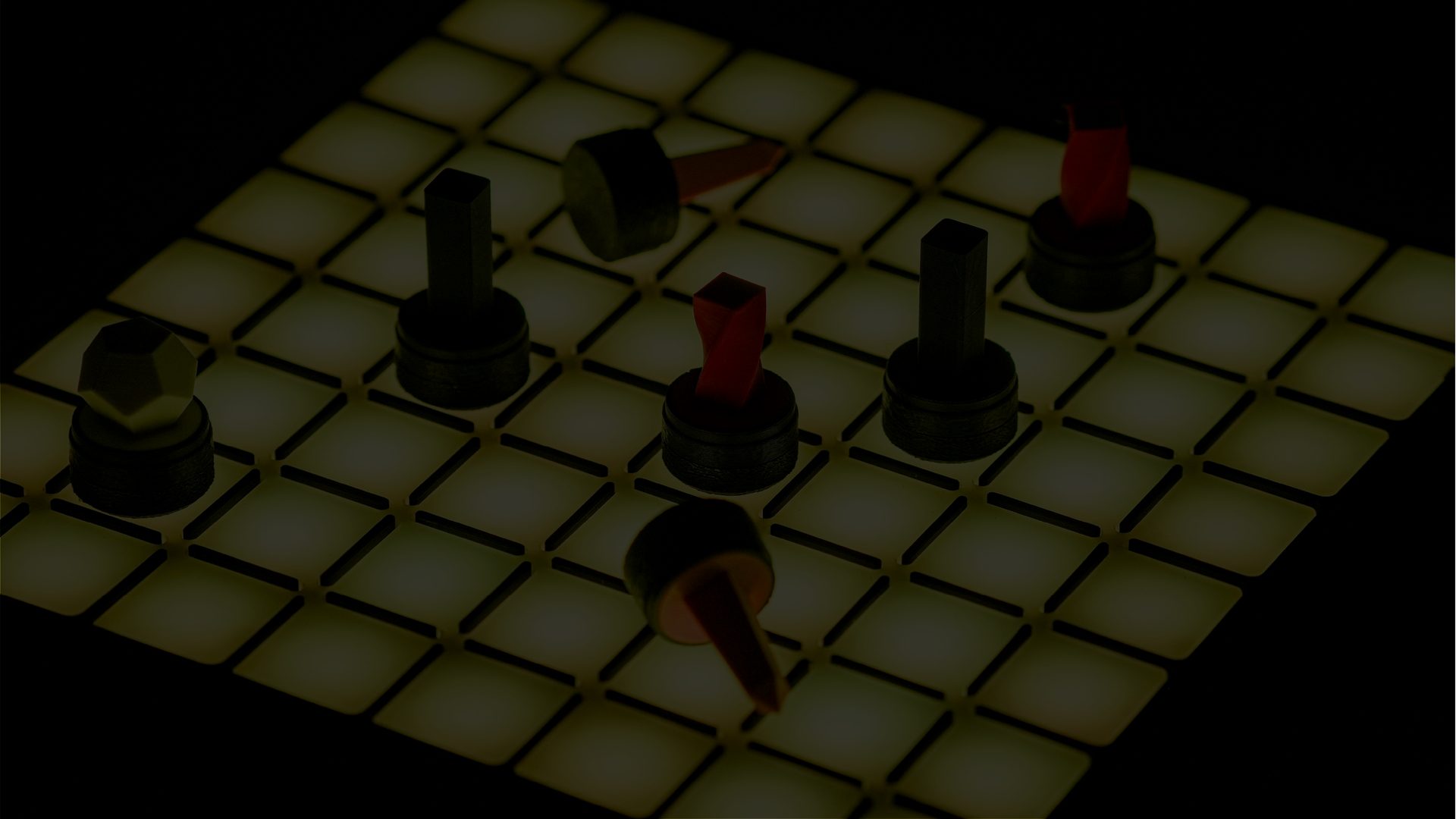
Design and print your own pieces and screw them onto our smart bases.
The board recognizes them like any other piece.




Getting started has never been easier.
Discover our games and the community’s.
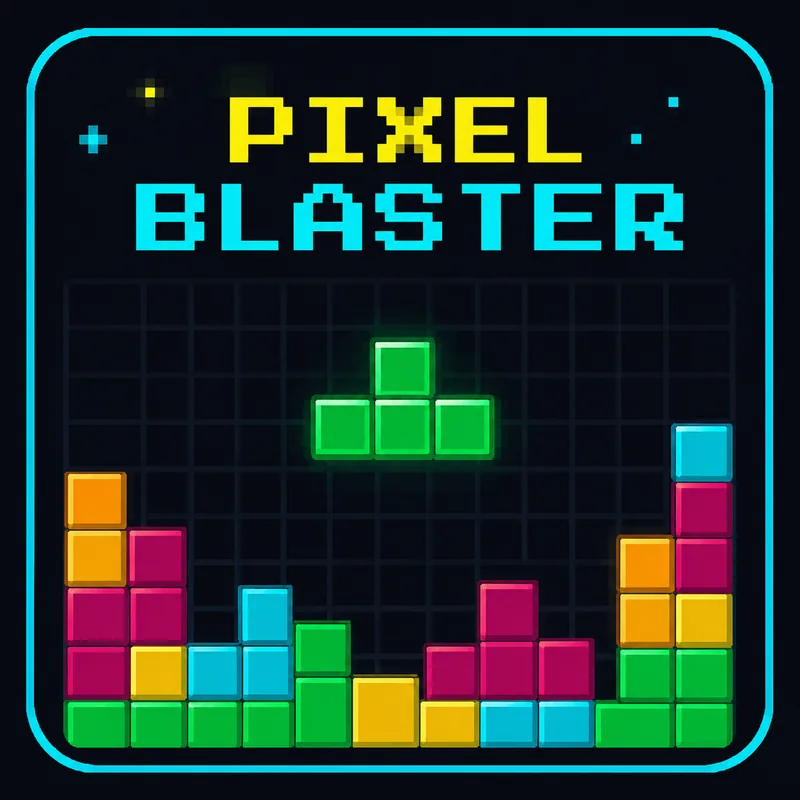
- Chess, role-playing and strategy, for the whole family
- Pick a game in the app and the board sets itself up
- New games made with Atlas Studio
Everything you need to start playing
-
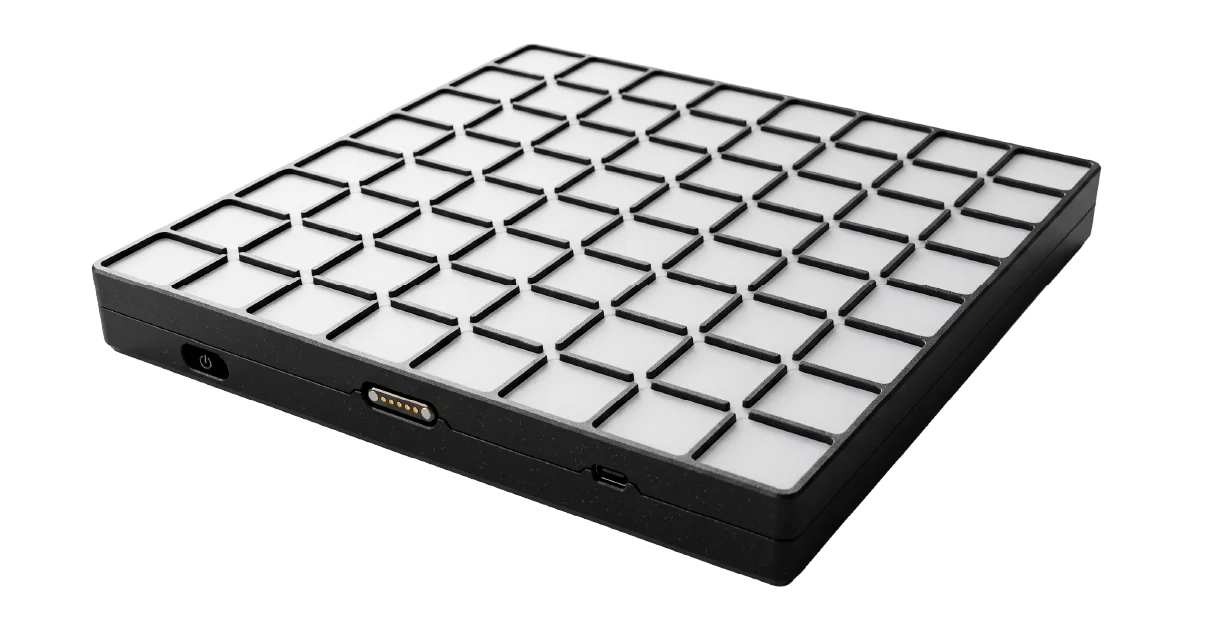
Atlas board
-
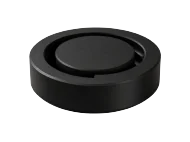
Smart bases
-
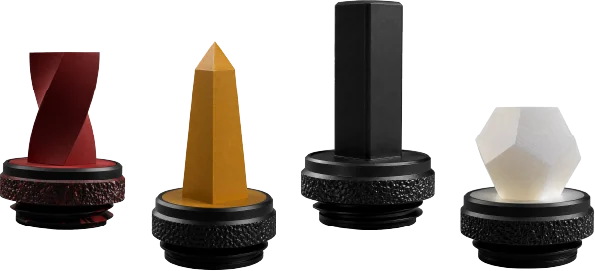
Miniatures
-
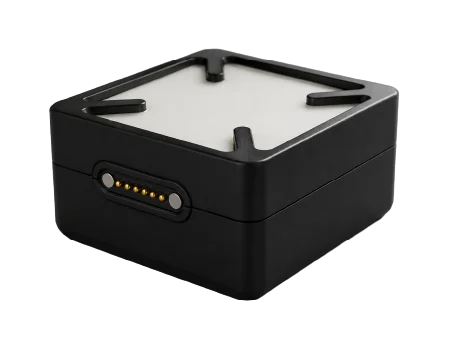
NFC module
-
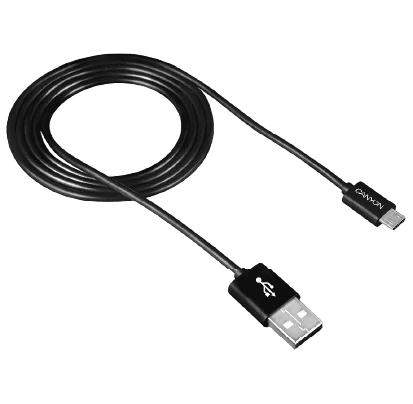
USB-C cable
-
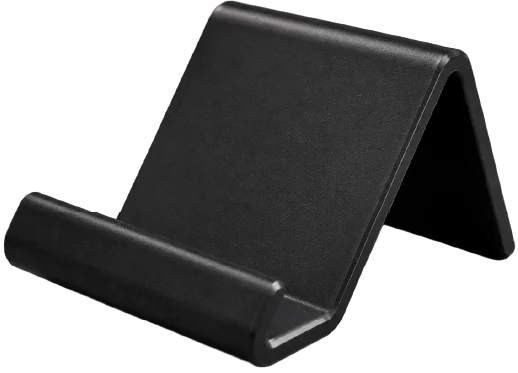
Phone stand
-
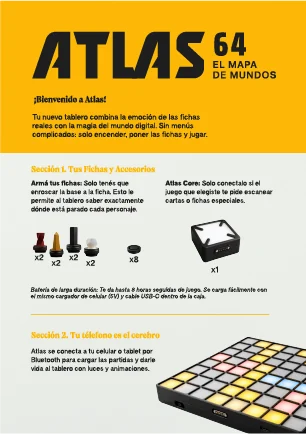
Quick-start guide
Frequently asked questions
Where can I get Atlas?
Atlas 64 is launching soon on Kickstarter, priced at 250 USD during the campaign. To get notified at launch and not miss the campaign, sign up here.
Do I need the internet to play?
No. The board and the app talk to each other directly, so you can play offline. You only need an internet connection to download new games, sync your profile and get updates.
What games come with Atlas?
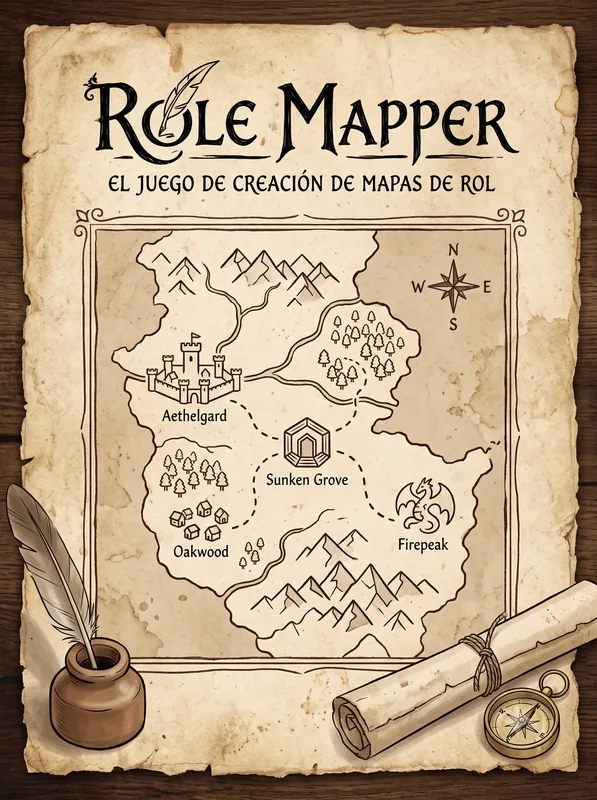
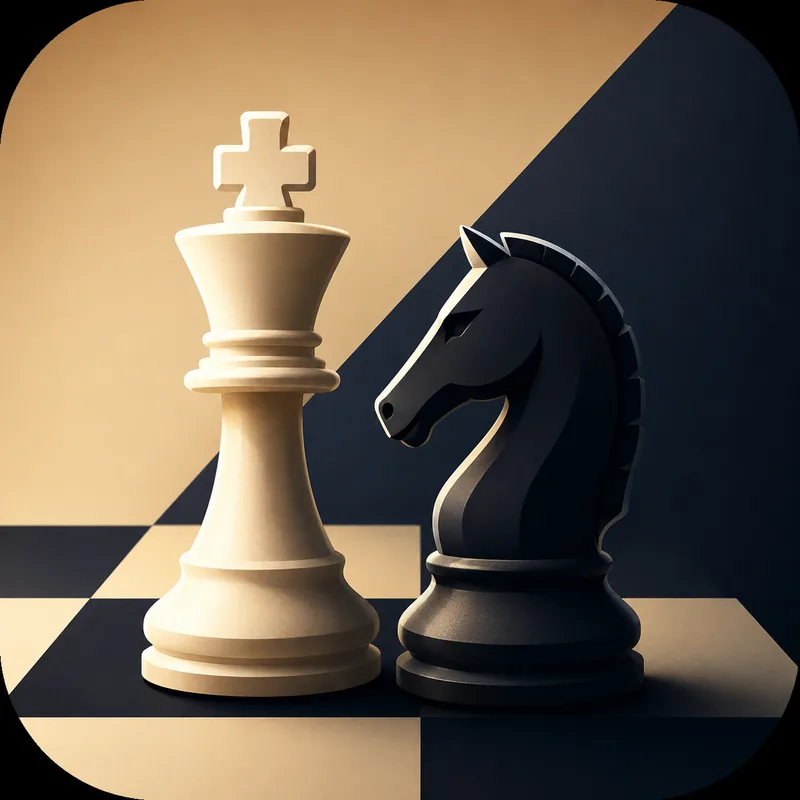
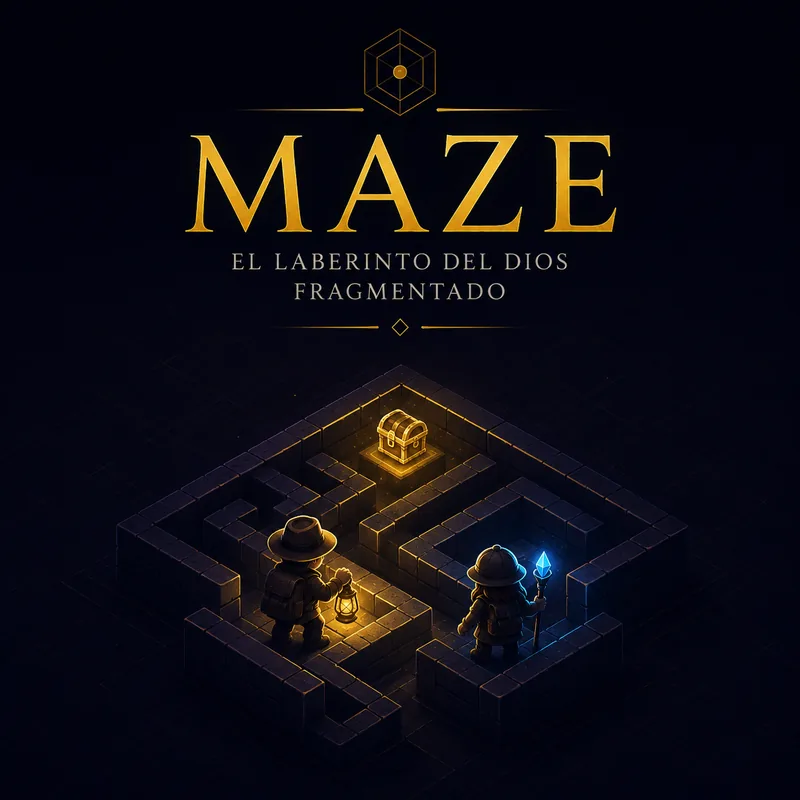
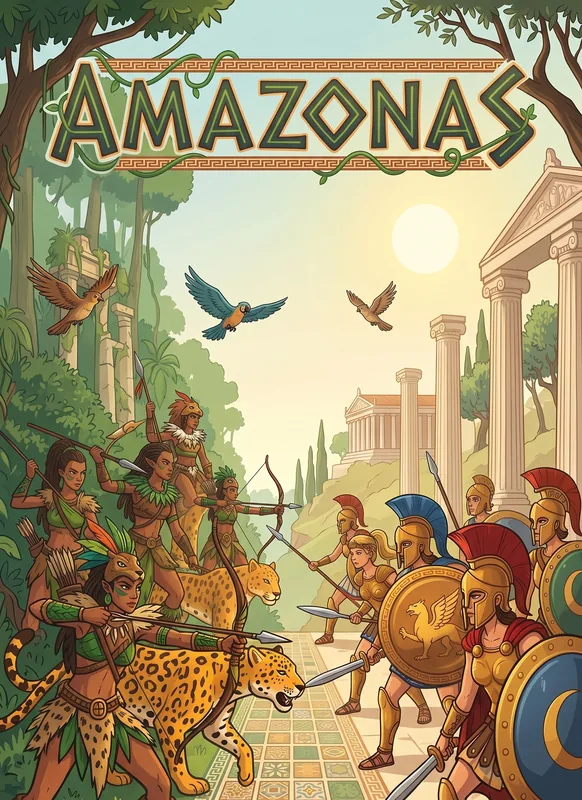
Atlas comes with games for every taste: strategy (Chess, powered by the Stockfish engine, and Amazonas, by Walter Zamkauskas), family games (Maze, plus PONGol and La Luz Mala, by Luis Olcese), arcade (Pixel Blaster), hidden-role games for groups (Estación Lunar and Plagio en la Academia) and Role Mapper, a tool for role-playing sessions. The library grows with every update and with games from the community. See all the games and their rules.
Can I use Atlas for role-playing games like Dungeons & Dragons?
Yes. With Role Mapper you can create your own maps and trigger events during the session. It also has a camera mode to explore the whole map as if it were a video game. With expansion modules (up to 6) you can grow your world and design it however you like. And thanks to the interchangeable pieces, you can design and use your own miniatures: Atlas recognizes them. With Atlas Studio you can also create your own adventures.
Can I play chess against the computer?
Yes. Atlas Chess comes with the Stockfish engine, with 10 difficulty levels from beginner to grandmaster, plus move analysis. You can also play against another person, with an adjustable clock. If you enjoy strategy, try Amazonas!
Is it a good game for families, away from screens?
Yes: the game happens on the board, with real pieces, around a table. The phone is only used as a controller.
Can I create my own games?
Yes, no coding required. With Atlas Studio you describe your idea to an AI assistant and it turns it into a game. You test it on a simulated board or on your phone and publish it in the Atlas HUB store, where other players can download or buy it. Learn about Atlas Studio in Ecosystem.
How does Atlas recognize each piece?
Each piece sits on a smart base with a unique ID. Atlas Core, the NFC module that attaches to the edge of the board, reads it, and each game decides what it represents: a knight, a bishop or a building. The figures screw onto the base, so you can swap them whenever you want.
Do I need a different board for each game?
No. That's the whole idea behind Atlas: a single board reconfigures itself for each game. You pick the title in the app and the board sets itself up.
Can I buy new games later?
Yes. New games, expansions and accessories are added through the app, with no new hardware needed.
Are the miniatures interchangeable?
Yes. The pieces use interchangeable smart bases: you change the figure and the board still recognizes the character you assigned to it.
Can I print my own miniatures?
Yes. You can mount your own figures on Atlas smart bases and use them in any game.
Does the app cost anything?
The app is free and comes with the board. Some games and expansions may be sold separately.
Do I need technical knowledge to use Atlas?
No. There's nothing to calibrate or configure: turn on the board, pick a game in the app and Atlas takes care of the rest.
Is it safe for children?
Atlas is recommended for ages 14 and up and is not suitable for children under 3 because it contains small parts. Before using it, read the user manual and its safety warnings.
One board. Endless possibilities.
There are worlds
waiting to be
discovered
Coming soon to Kickstarter
Sign up now